PUBG: Battlegrounds is the battle royale that started the genre, dropping 100 players onto sprawling maps to scavenge, outmanoeuvre and outshoot their way to a single chicken dinner. It is a tense, tactical shooter where positioning, recoil control and split second peeks decide who walks away, and where a few extra frames per second can be the difference between landing the shot and respawning in the lobby. Free to play and fiercely competitive, it remains one of the most demanding tests of a high refresh gaming setup going.
PUBG: Battlegrounds · Custom Gaming PCsBest Gaming PCs
Best Gaming PCs
for PUBG: Battlegrounds
PUBG rewards frames over eye candy, so it is heavily CPU bound at competitive settings where a fast X3D chip matters more than the top GPU.
Hand-built in Stevenage UK
Every PC tested for 24h before dispatch
5 Year Warranty
Parts and labour, no quibbles
Free UK Delivery
Tracked, fully insured
Target Entry1080p
1080p
300+ fps Very Low/Competitive
Target framerate
Recommended GPU
RTX 5060 Ti
Target Sweet Spot1440p
1440p
240+ fps Competitive
Target framerate
Recommended GPU
RTX 5070
Target Ultra4K
4K
144+ fps Ultra
Target framerate
Recommended GPU
RTX 5080
At a glance
PUBG: Battlegrounds Performance
PUBG rewards frames over eye candy, so it is heavily CPU bound at competitive settings where a fast X3D chip matters more than the top GPU. Drop the preset to Very Low and a mid range RTX 50 card will push well past 240fps at 1080p and 1440p for clean, low latency aiming.
Builds for PUBG: Battlegrounds
View all gaming PCs Recommended Custom PCs
Each system is hand-built in our UK workshop, tested for 24 hours, and ships with a 5 year warranty. Pick a starting point and customise everything in the configurator.
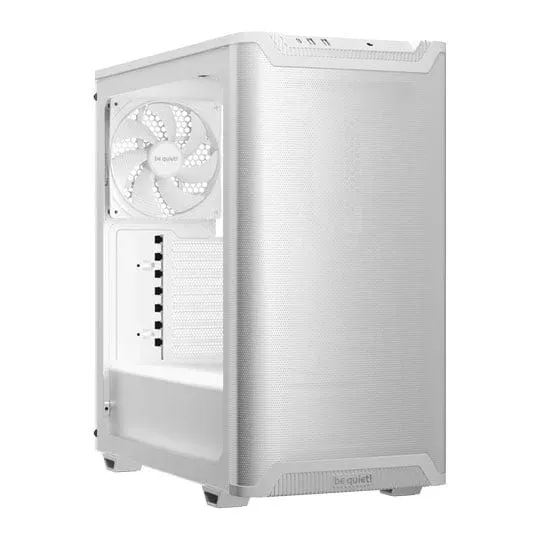
midamd
CREATE TRINITY AMD Ryzen 5 9600X 6 Core AM5 CPU/Processor & Palit NVIDIA GeForce RTX 5060 Ti INFINITY 3 16GB Blackwell Graphics Card
AMD Ryzen 5 9600X 6 Core AM5 CPU/Processor
Palit NVIDIA GeForce RTX 5060 Ti INFINITY 3 16GB Blackwell Graphics Card
50+ PC Cases Available
Highly Customisable
From
Customise£2,301
midintel
CREATE TRINITY Intel 14 Core Ultra 5 245K Unlocked Desktop CPU/Processor & Palit NVIDIA GeForce RTX 5060 Ti INFINITY 3 16GB Blackwell Graphics Card
Intel 14 Core Ultra 5 245K Unlocked Desktop CPU/Processor
Palit NVIDIA GeForce RTX 5060 Ti INFINITY 3 16GB Blackwell Graphics Card
50+ PC Cases Available
Highly Customisable
From
Customise£2,339
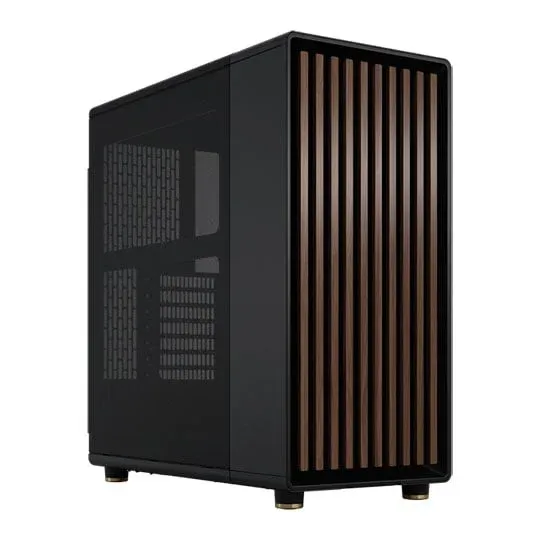
highamd
CREATE ORACLE AMD Ryzen 7 7800X3D 8 Core AM5 Zen4 3D V-Cache PCIe 5.0 CPU/Processor & PALIT NVIDIA GeForce RTX 5070 Ti 16GB GamingPro-S Blackwell Graphics Card
AMD Ryzen 7 7800X3D 8 Core AM5 Zen4 3D V-Cache PCIe 5.0 CPU/Processor
PALIT NVIDIA GeForce RTX 5070 Ti 16GB GamingPro-S Blackwell Graphics Card
50+ PC Cases Available
Highly Customisable
From
Customise£3,237
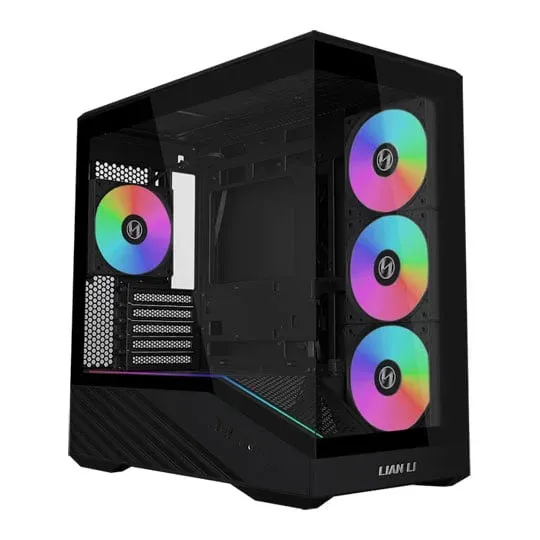
mid highintel
CREATE NR200P Intel 20 Core Ultra 7 265 Desktop CPU/Processor & PALIT NVIDIA GeForce RTX 5070 Ti 16GB GamingPro-S Blackwell Graphics Card
Intel 20 Core Ultra 7 265 Desktop CPU/Processor
PALIT NVIDIA GeForce RTX 5070 Ti 16GB GamingPro-S Blackwell Graphics Card
Compact Mini-ITX Build
Highly Customisable
From
Customise£3,405
highintel
CREATE ORACLE Intel 20 Core Ultra 7 265 Desktop CPU/Processor & PALIT NVIDIA GeForce RTX 5070 Ti 16GB GamingPro-S Blackwell Graphics Card
Intel 20 Core Ultra 7 265 Desktop CPU/Processor
PALIT NVIDIA GeForce RTX 5070 Ti 16GB GamingPro-S Blackwell Graphics Card
50+ PC Cases Available
Highly Customisable
From
Customise£3,456
mid highamd
CREATE NR200P AMD Ryzen 7 7800X3D 8 Core AM5 Zen4 3D V-Cache PCIe 5.0 CPU/Processor & PALIT NVIDIA GeForce RTX 5070 Ti 16GB GamingPro-S Blackwell Graphics Card
AMD Ryzen 7 7800X3D 8 Core AM5 Zen4 3D V-Cache PCIe 5.0 CPU/Processor
PALIT NVIDIA GeForce RTX 5070 Ti 16GB GamingPro-S Blackwell Graphics Card
Compact Mini-ITX Build
Highly Customisable
From
Customise£3,529
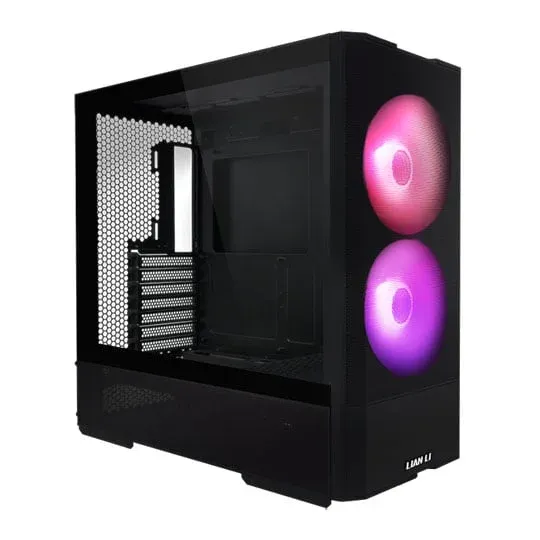
mid highamd
CREATE ZION AMD Ryzen 5 7600X 6 Core AM5 CPU/Processor & ASUS ROG STRIX NVIDIA GeForce RTX 5070 Ti OC Blackwell Graphics Card
AMD Ryzen 5 7600X 6 Core AM5 CPU/Processor
ASUS ROG STRIX NVIDIA GeForce RTX 5070 Ti OC Blackwell Graphics Card
50+ PC Cases Available
Highly Customisable
From
Customise£3,548
mid highintel
CREATE ZION Intel 14 Core Ultra 5 245K Unlocked Desktop CPU/Processor & ASUS ROG STRIX NVIDIA GeForce RTX 5070 Ti OC Blackwell Graphics Card
Intel 14 Core Ultra 5 245K Unlocked Desktop CPU/Processor
ASUS ROG STRIX NVIDIA GeForce RTX 5070 Ti OC Blackwell Graphics Card
50+ PC Cases Available
Highly Customisable
From
Customise£3,594
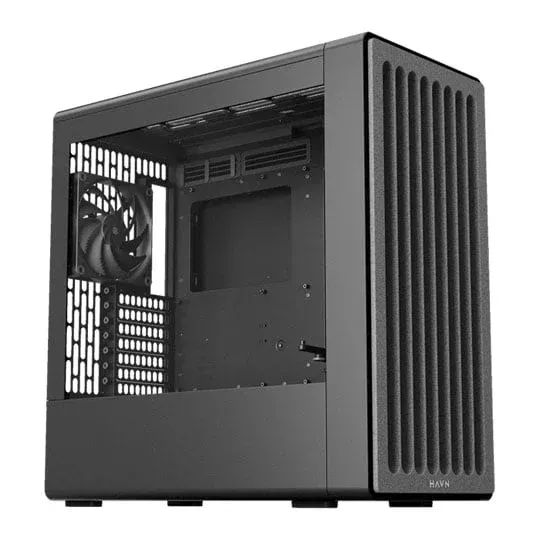
highintel
CREATE CYPHER Intel 20 Core Ultra 7 265 Desktop CPU/Processor & INNO3D NVIDIA GeForce RTX 5080 X3 16GB Blackwell Graphics Card
Intel 20 Core Ultra 7 265 Desktop CPU/Processor
INNO3D NVIDIA GeForce RTX 5080 X3 16GB Blackwell Graphics Card
50+ PC Cases Available
Highly Customisable
From
Customise£3,805
highamd
CREATE CYPHER AMD Ryzen 7 9800X3D 8 Core AM5 CPU/Processor & INNO3D NVIDIA GeForce RTX 5080 X3 16GB Blackwell Graphics Card
AMD Ryzen 7 9800X3D 8 Core AM5 CPU/Processor
INNO3D NVIDIA GeForce RTX 5080 X3 16GB Blackwell Graphics Card
50+ PC Cases Available
Highly Customisable
From
Customise£3,847
Everything you need to know
Hardware breakdown, build recommendations, and tuning advice for PUBG: Battlegrounds.
PUBG: Battlegrounds System Requirements
Minimum
OS: Windows 10 64-bit Processor: Intel Core i5-4430 or AMD FX-6300 Graphics: NVIDIA GeForce GTX 960 2GB or AMD Radeon R7 370 2GB Memory: 8 GB Storage: 40 GB available space
Recommended
OS: Windows 11 64-bit Processor: Intel Core i5-6600K or AMD Ryzen 5 1600 Graphics: NVIDIA GeForce GTX 1060 3GB or AMD Radeon RX 580 4GB Memory: 16 GB Storage: 50 GB SSD
Common questions
What GPU do I need for PUBG at 1440p?
For competitive 1440p play an RTX 5070 or RX 9070 is the sweet spot, comfortably driving 240fps and beyond once you tune the preset down for a clear, readable picture. If you want headroom for high settings or 4K, step up to an RTX 5070 Ti or RTX 5080. Every CREATE PC is hand built in Stevenage and tuned to hold those frame rates rather than just hit them on a benchmark.
Is PUBG more CPU or GPU intensive?
PUBG leans hard on the CPU at competitive settings, because pushing 240fps and higher is mostly a question of how fast your processor can feed frames. We recommend an AMD Ryzen 7 9800X3D or Ryzen 9 9950X3D for serious high refresh play, with an Intel Core Ultra 7 a strong alternative. The X3D cache really shines here, lifting the all important 1% lows that keep aiming smooth in a busy final circle.
How much RAM does PUBG need?
The game officially recommends 16GB, and that is the floor we would fit for any gaming build today. We standardise on 32GB of fast DDR5 in our PUBG builds so the game, Windows, Discord and a stream overlay all run together without stutter. It is an inexpensive upgrade that pays off across every modern title, not just PUBG.
Do I need a high refresh monitor to benefit from a fast PC?
Absolutely, and it is where PUBG performance translates into a real edge. A 240Hz or 360Hz panel paired with one of our high refresh builds means smoother tracking, sharper flick shots and lower perceived input lag. We will happily spec a complete setup, GPU, CPU and a matching display, and back the whole machine with our 5 year warranty so you can focus on the chicken dinner.
Ready to build?
Configure your perfect PUBG: Battlegrounds PC
Pick your CPU, GPU, case and cooling. Real-time pricing, guaranteed compatibility, free UK delivery.
Open the Configurator